Personal live wallpaper

Your photos.
A changing wallpaper.

Pick the personal photos you love. Set your rotation.
Enjoy a fresh, beautifully framed memory every time you check your phone.

100% on-device. Zero cloud uploads, no accounts, and battery friendly.

100% On-device Zero cloud uploads Battery friendly
/ Features

Your phone, living with your
favorite moments.

Designed specifically for Android to give you effortless, private photo rotation without battery drain.

Albums for your memories

Create dedicated albums like Family, Travel, or Weekend Trips. Switch your active wallpaper set with a single tap.

Screen-wake or interval

Enjoy a fresh photo every time you turn your screen on, or schedule subtle updates every few hours.

Automatic smart framing

Photos are dynamically framed for your screen geometry with intelligent crop risk detection so nobody gets cut off.

100% on-device & private

No accounts, no cloud servers, and no tracking. Your personal photos stay safely in your phone's storage.

/ How it works

Three steps to a
living wallpaper.

01 · CHOOSE

Pick the photos you love.

Select photos directly through Android's secure Photo Picker. Keep them in your preferred order or let them shuffle.

02 · SCHEDULE

Set your rotation timing.

Choose screen-wake rotation to see a new photo on every wake, or pick an interval. Apply to Home, Lock, or both.

03 · ENJOY

Wake up to fresh memories.

Your phone is now a living gallery of your favorite moments. Pause, skip, or change albums whenever you want.

/ Inside the app

Crafted for calm,
effortless beauty.

Clean, native Material 3 design that stays out of your way and lets your photos shine.

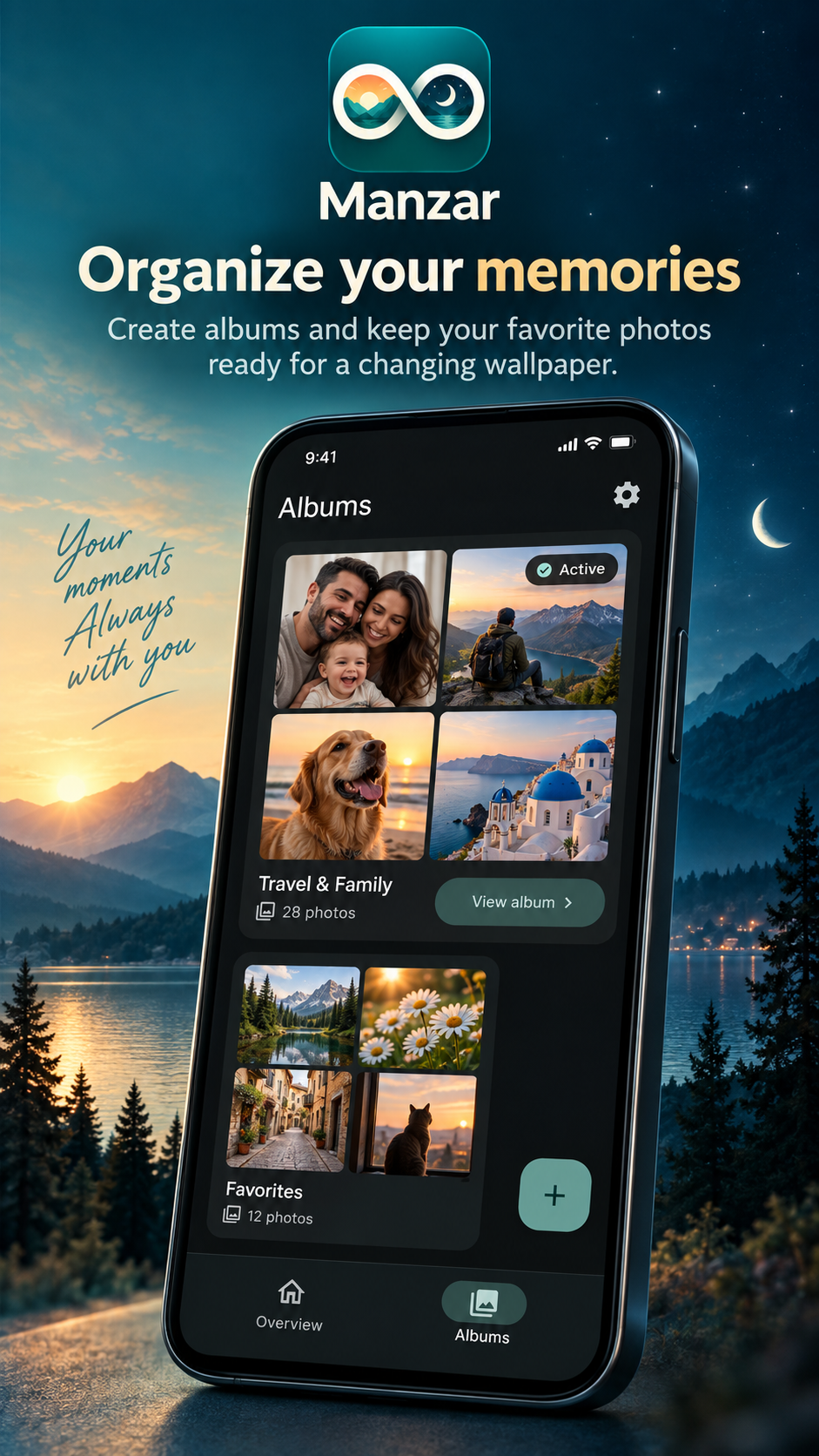
Organize your memories.
01 · Albums

Organize your memories.

Create albums and keep your favorite personal photos ready for a changing wallpaper.

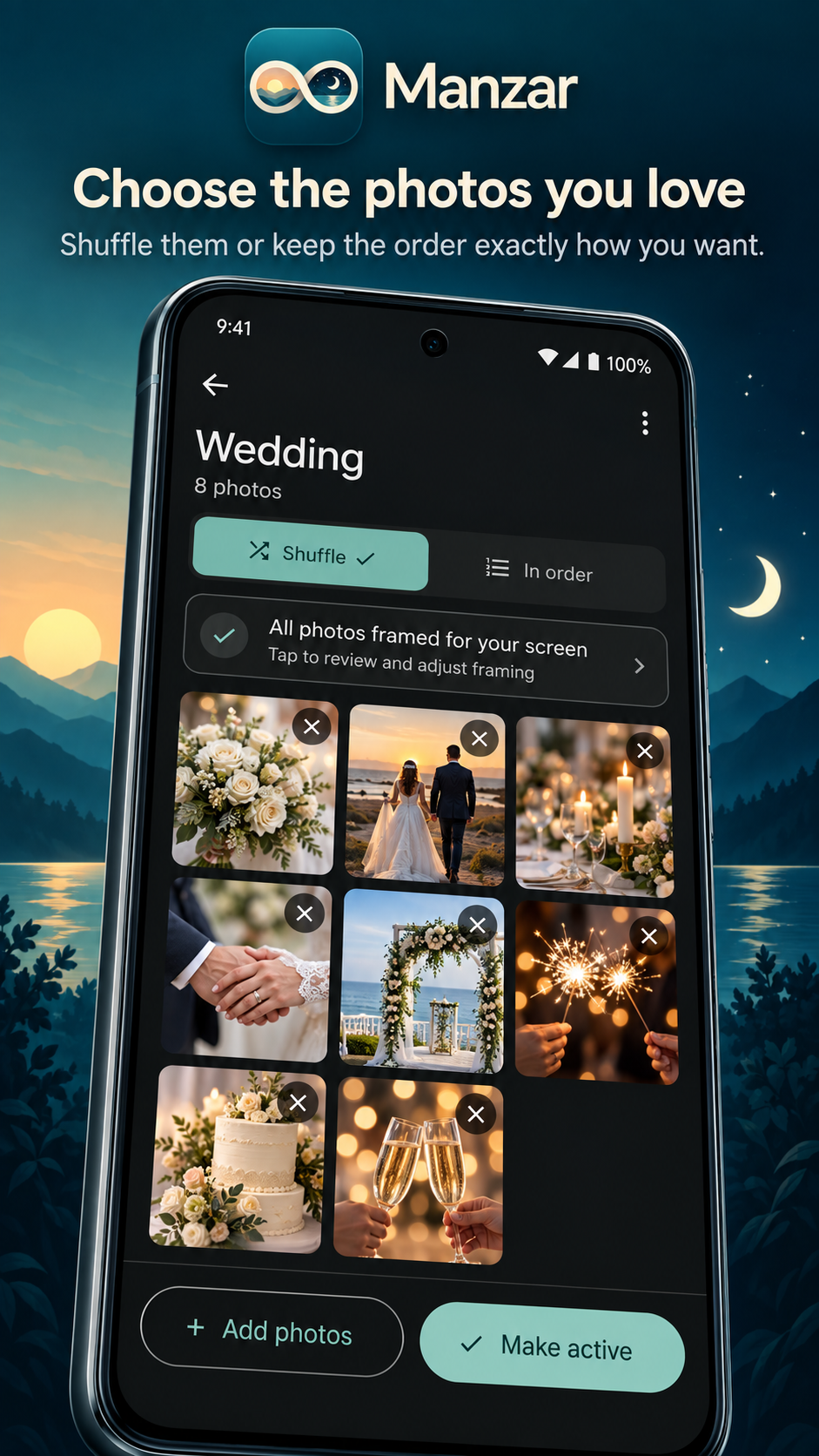
Choose the photos you love.
02 · Pick

Choose the photos you love.

Shuffle your photos or keep them in the exact order you want to see them.

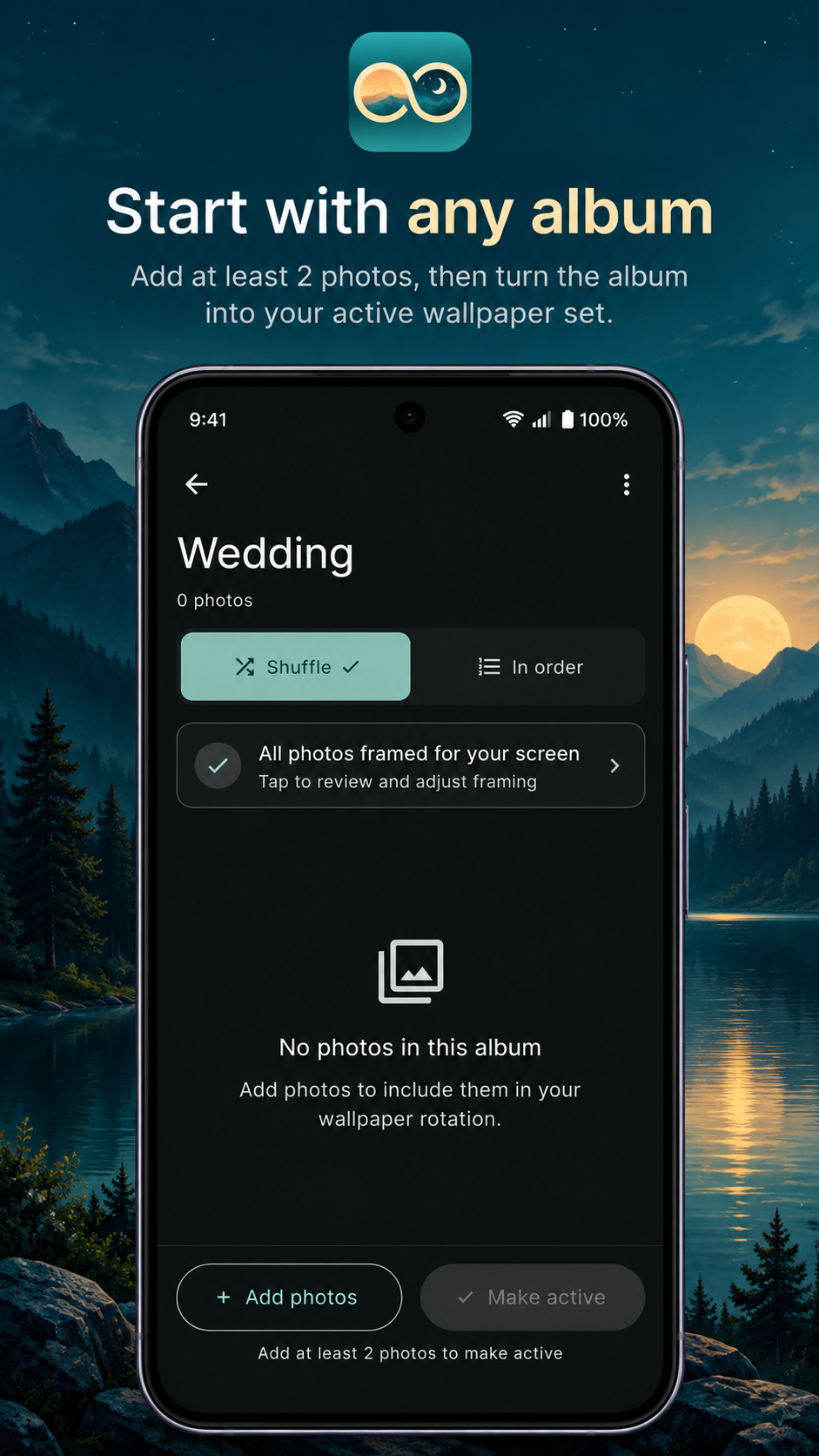
Start with any album.
03 · Setup

Start with any album.

Add at least two photos, review framing, and turn the album into your active wallpaper set.

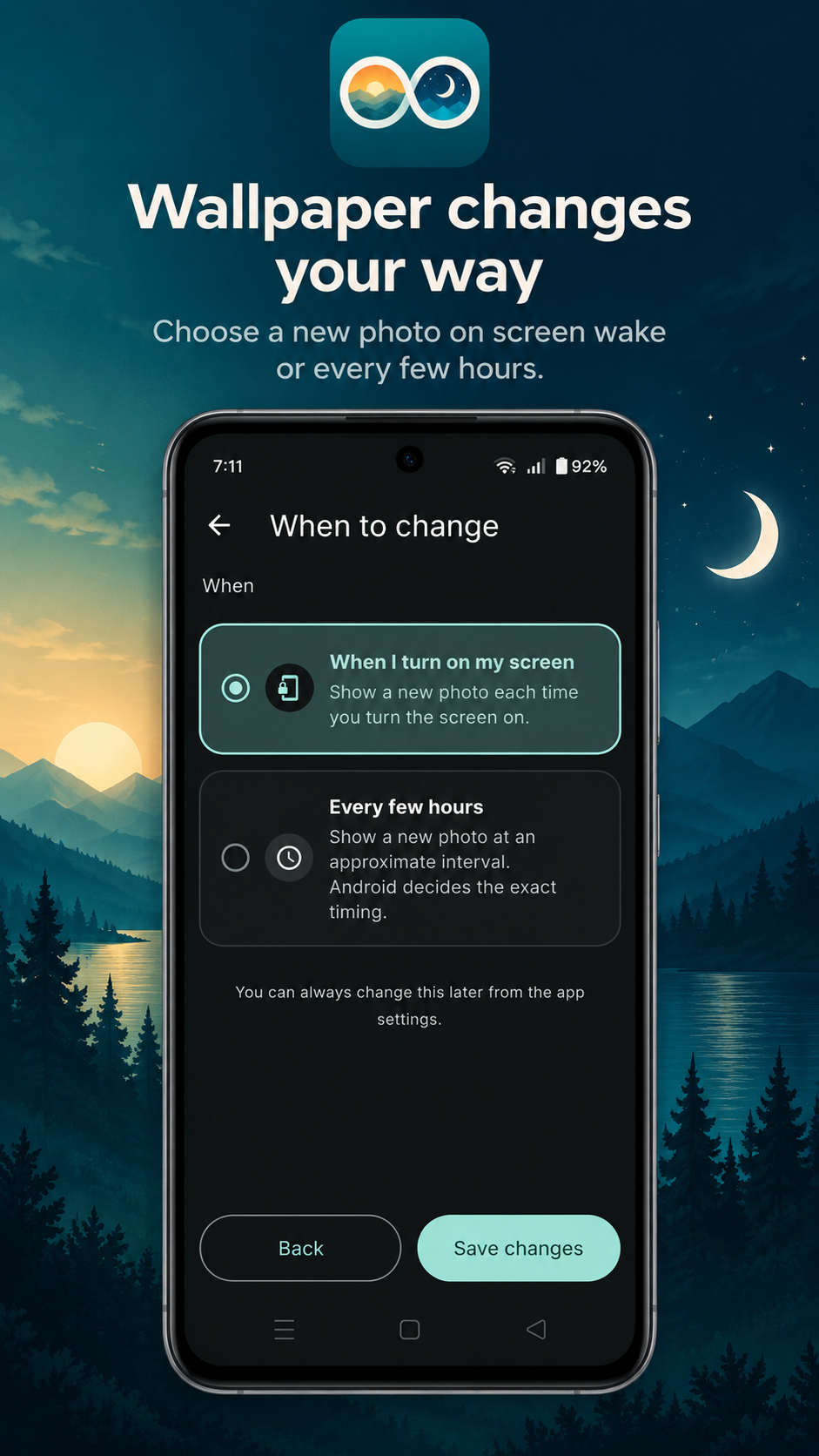
Wallpaper changes your way.
04 · Schedule

Wallpaper changes your way.

Choose a new photo every time you turn on your screen or on a relaxed interval.

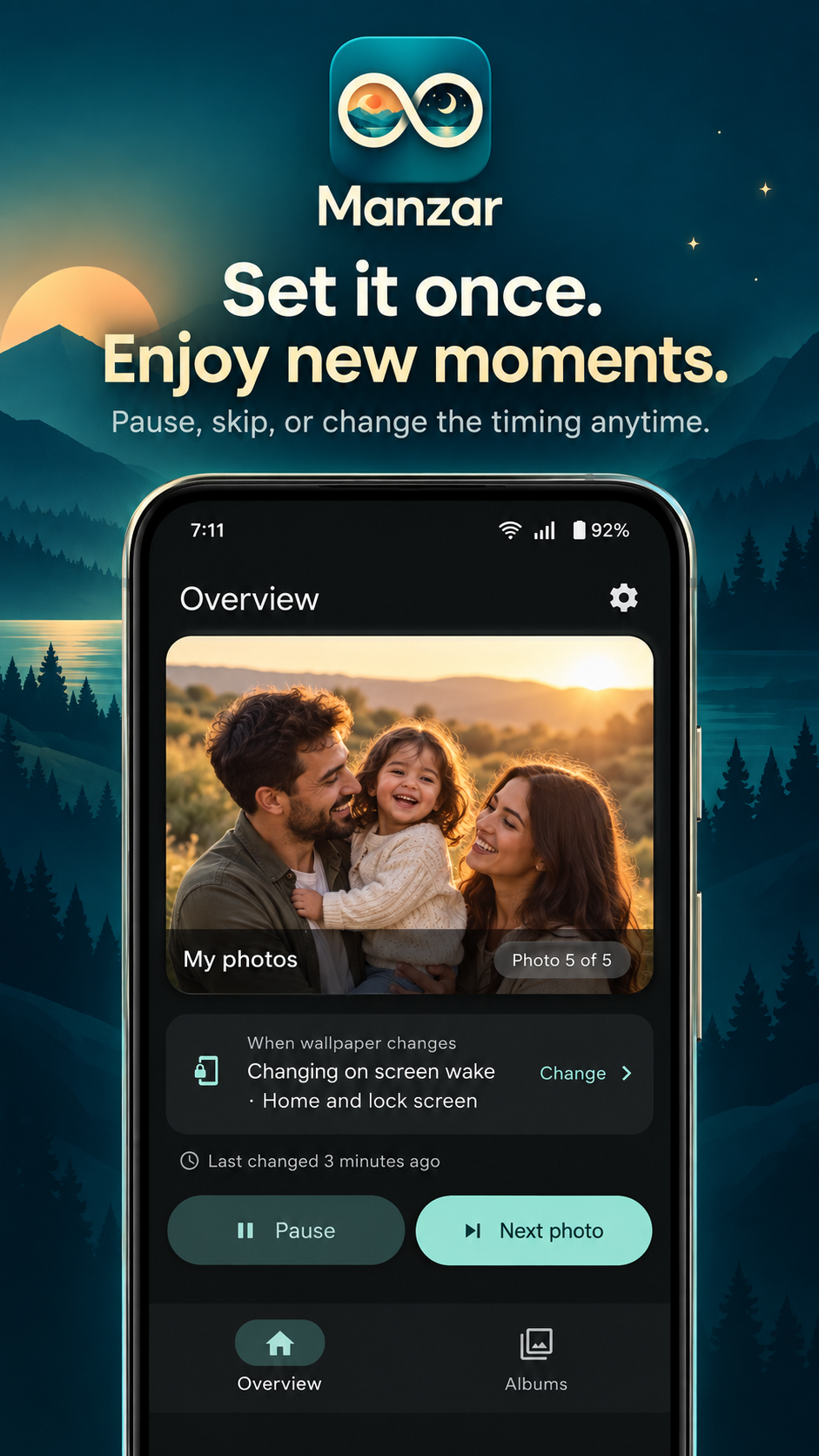
Set it once. Enjoy new moments.
05 · Overview

Set it once. Enjoy new moments.

A clean control overview that lets you pause, advance to the next photo, or switch active albums in one tap.

Privacy pledge

Your memories never leave your phone.

Manzar has no servers, no cloud sync, and no user accounts. Your personal photos stay exactly where they belong — in your device storage. We don't track you, profile you, or collect your telemetry.

/ FAQ

Questions, answered.

Does Manzar upload my photos anywhere?

Never. Photos remain securely in your device storage. Manzar has no servers, no cloud sync, and no user accounts. All framing calculations and wallpaper rotations happen 100% locally on your phone.

How does screen-wake rotation work?

When screen-wake mode is active, Manzar smoothly prepares and applies the next personal photo from your active album each time your display turns off and on. A new memory is waiting before you even unlock your phone.

Will Manzar drain my phone battery?

No. Manzar is engineered specifically for Android efficiency. It only renders when a rotation trigger occurs, never runs background render loops, and uses native Android Live Wallpaper APIs to conserve power.

What is crop risk and automatic framing?

Phone displays have tall aspect ratios. Manzar's framing engine inspects each photo against your screen shape and alerts you with a "May be cut off" indicator if key photo areas might be lost, letting you adjust position or fit with a soft backdrop.

Can I use different photos for Home and Lock screens?

Android lets you assign live wallpapers to your Home screen, Lock screen, or both. During rotation setup, you choose the wallpaper target that fits your routine.

Do I need an account or subscription?

No account or sign-up is required. You install Manzar from Google Play and immediately start rotating your photos with full privacy.

/ Get Manzar

Bring your memories
to your screen.

Download Manzar on Google Play today. Free, private, and effortless.